We bring you useful information and news from Hive! Greetings from Hive Platform! 😊
Clear and timely communication with users is essential in game service operations.
If important notices such as unexpected maintenance or new updates are not delivered properly, users may be confused and lose trust in the service.
Of course, you can post notices on the community or brand site, but not every user will see them right away. That’s why, in this edition of Hive Insight, we’re introducing the types of Hive Notice Pop-ups and how to use them effectively to notify users the moment they launch the app.
|
|
|
✨ Making the Most of Hive Notice Pop-ups 👍 |
|
|
📌 Types of Hive Notice Pop-ups and Tips |
|
|
🛠️ Server Maintenance Pop-up |
|
|
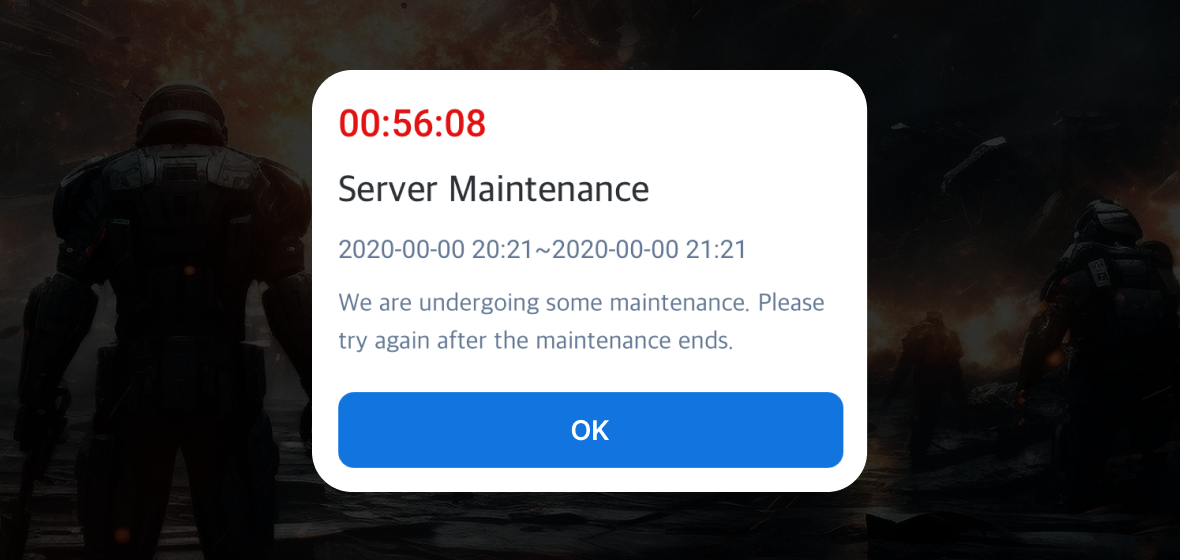
A pop-up that blocks app access during scheduled or emergency maintenance. Register the maintenance time and notice message in the console to display the remaining time and content until completion. You can set the exposure range by OS, store, or server for flexible handling.
Tip: When maintenance is needed for only a specific OS or server, configure the pop-up accordingly. This way, only the affected users see it, minimizing risks from downtime and improving service stability. |
|
|
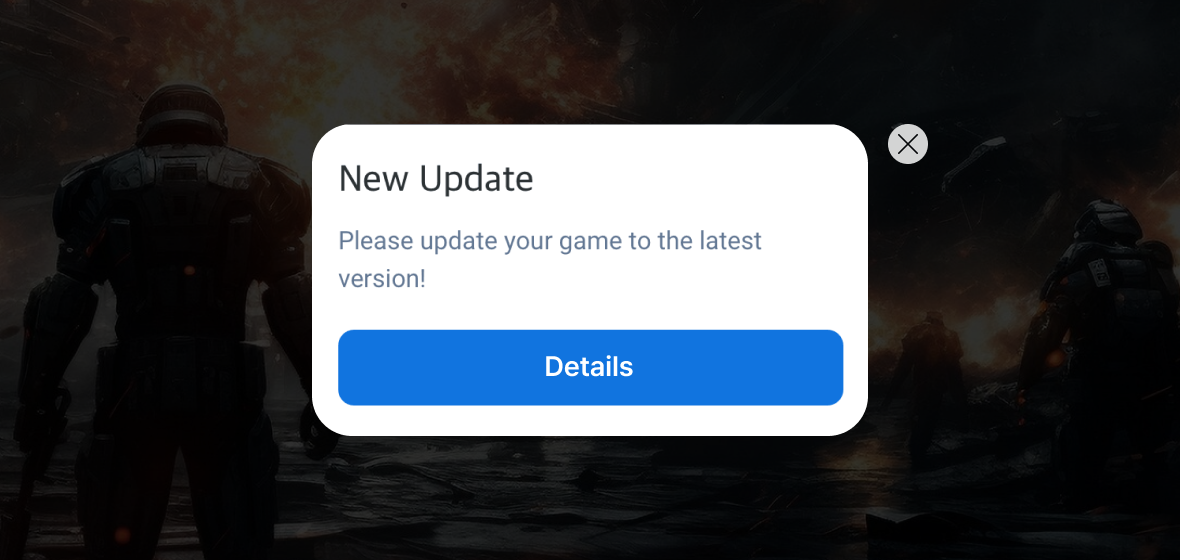
A pop-up that prompts users to update to the latest version.
It can be displayed based on OS, store, or game app version, blocking access for older versions and guiding users to update.
On Android devices, Google in-app updates are supported, allowing background updates without blocking app access.
Tip: Use forced or optional update pop-ups depending on the situation. For security patches or critical bug fixes, redirect to the store for a forced update. For new features or quality-of-life improvements, let users proceed with a [Close] button and update later. |
|
|
🌍 Country Restriction Pop-up |
|
|
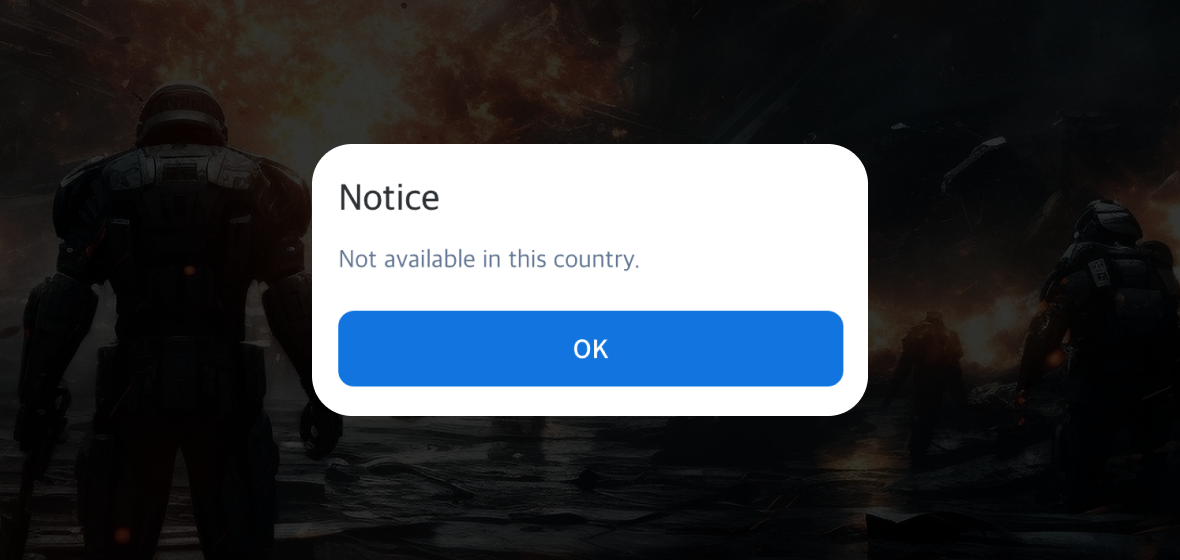
A pop-up that restricts access from certain countries based on IP addresses.
It can be used to block access outside of launch regions or adapt to service policies.
Tip: Control access by launch schedule, local regulations, or publishing contracts. This reduces unnecessary confusion and strengthens the stability of your global service. |
|
|
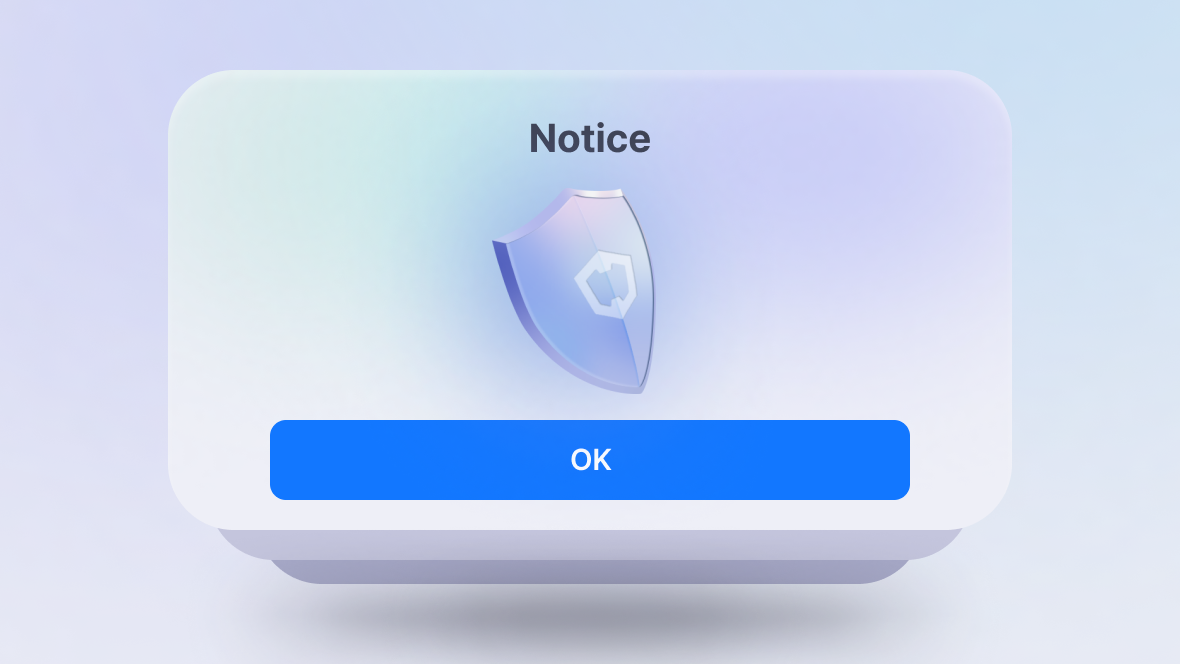
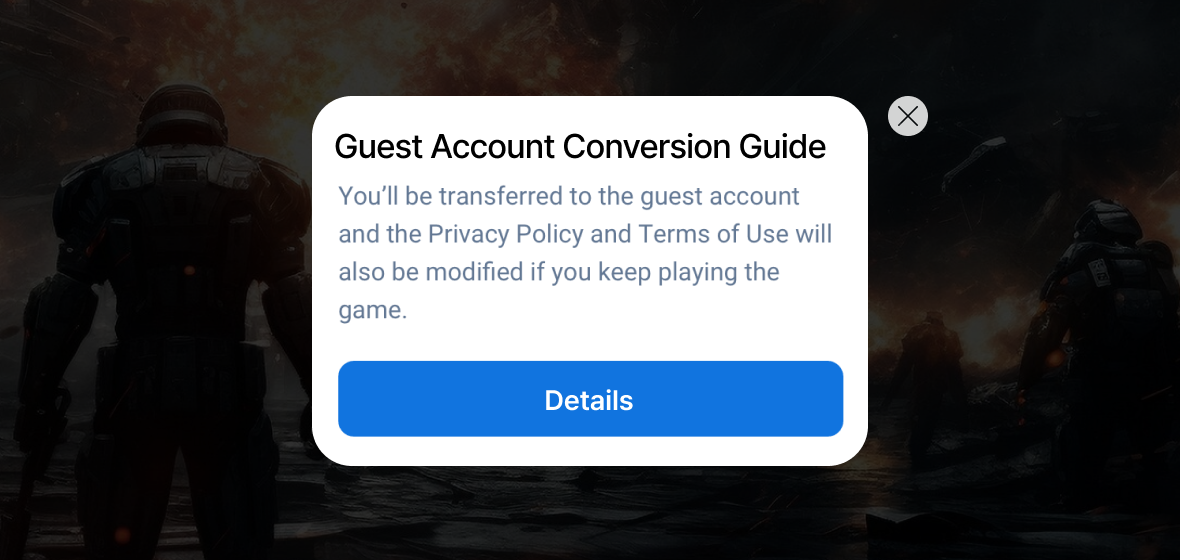
A pop-up used to deliver a variety of notices when the app starts.
Tip: Keep the core message short and link detailed information to the [ Details] button. This ensures players don’t miss important notices while making it easy to check full details. |
|
|
📌 Testing in Live Environment |
|
|
When a server maintenance pop-up is blocking user access, you must still confirm whether patches are applied correctly and no errors occur. By registering tester IPs or devices in the console before maintenance ends, you can bypass the pop-up and access the game directly.
This allows you to check stability in the live environment during maintenance and ensures critical tasks like final QA and reward distribution proceed smoothly. |
|
|
🔎 Verifying Notice Pop-ups |
|
|
Want to see how notice pop-ups actually appear to users?
Use the ‘Register Test Notice’ feature to preview them.
Test pop-ups are only shown on specified IPs or devices, letting operators review the pop-up under real conditions.
You can thoroughly check wording, UI, and timing.
Since this doesn’t affect the live service, you can minimize errors or omissions before release and provide a polished notice to users. |
|
|
🎯Why Hive Notice Pop-ups Are Great |
|
|
☑️One-stop operation
Manage everything from registration to testing and management directly in the Hive Console, without extra tools or dev resources. |
|
|
☑️Pre-verification
Test IP and device settings let you verify in the live environment, minimizing errors before release. |
|
|
☑️Global support
Pop-ups can be displayed based on OS, store, server, and app version, with support for up to 16 languages—enabling stable global service. |
|
|
☑️Real-time exposure
Show pop-ups instantly for updates, maintenance, and more. |
|
|
☑️Customizable buttons
Customize buttons within the pop-up, such as Close, Redirect to URL, or Exit App, to fit your service needs. |
|
|
Com2us Platform
cs-platform@com2us.com
131, Gasan digital 1-ro, Geumcheon-gu, Seoul, Korea
© Com2uS Platform Corp. All Rights Reserved.
This email is for informational purposes to guide service usage.
If you no longer wish to receive emails, please click here to unsubscribe.
|
|
|
|