We bring you useful information and news from Hive!
Greetings from Hive Platform! 😊
Operators are always asking, “How can we make users respond?”
One of the simplest and most effective tools is the promotion banner.
A banner does more than display an image—it delivers key information, encourages engagement, and even boosts sales.
In this edition of Hive Insight, we’ll share strategies for using promotion banners that truly move users.
|
|
|
🧭 Banner Strategies That Drive Results and Success♟️ |
|
|
📌Maximize Event Impact with Full-Screen Banners |
|
|
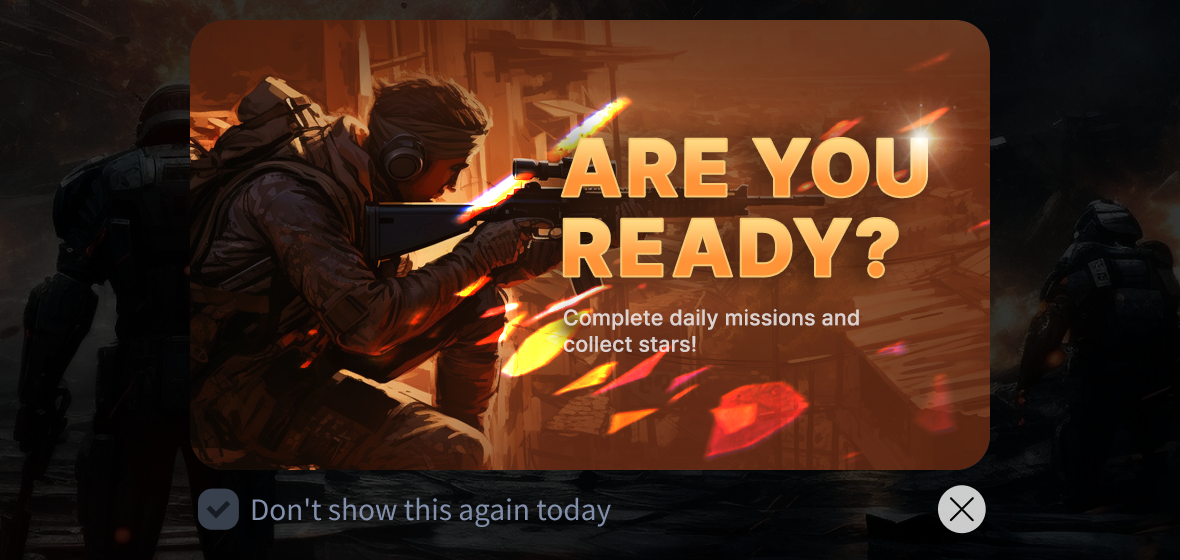
Full-screen banners cover the screen with a large image, capturing users’ attention—perfect for major updates or promotions that need strong visibility.
💡How to use
- Promote “Update Notices,” “New Character Introductions,” or “Season Launch Events” with a full-screen banner after a big event or content release.
- Highlight limited promotions such as exclusive items or pass tickets.
- Use full-screen banners to welcome new and returning users.
|
|
|
📌Boost Conversions with Spot Banners |
|
|
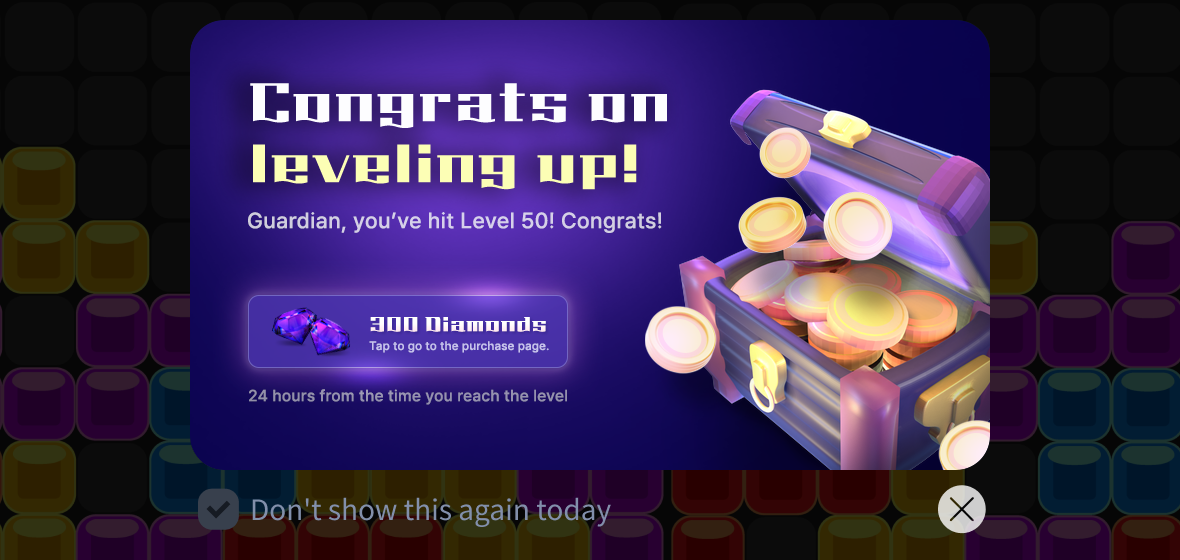
Spot banners let you display full-screen banners at specific moments. Once set up, you can freely update banner content in real time from Hive Console without any code changes.
Spot banners do more than just show visuals—they support in-app purchases directly within the banner, offering context-appropriate items to users. This naturally encourages purchases and increases engagement.
💡How to use
- Suggest a beginner’s package with a spot banner right after the tutorial.
- When a user obtains a new character, promote a character-exclusive enhancement package.
- Offer discounts on relevant items during Arena or Guild Battles.
|
|
|
📌Tell Your Brand Story with Media Banners |
|
|
Media banners let you display external content such as YouTube videos directly inside a banner.
Use them to deliver your game’s world or brand story effectively. Compared to text or images, video content offers greater immersion and creates a stronger branding impact. Turn banners into a lively storytelling channel.
💡How to use
- Link trailers for new characters or collaborations.
- Feature developer notes or operator message videos.
- Showcase tournament, league, or livestream highlight videos.
|
|
|
📌 Keep Events Visible with Rolling Banners |
|
|
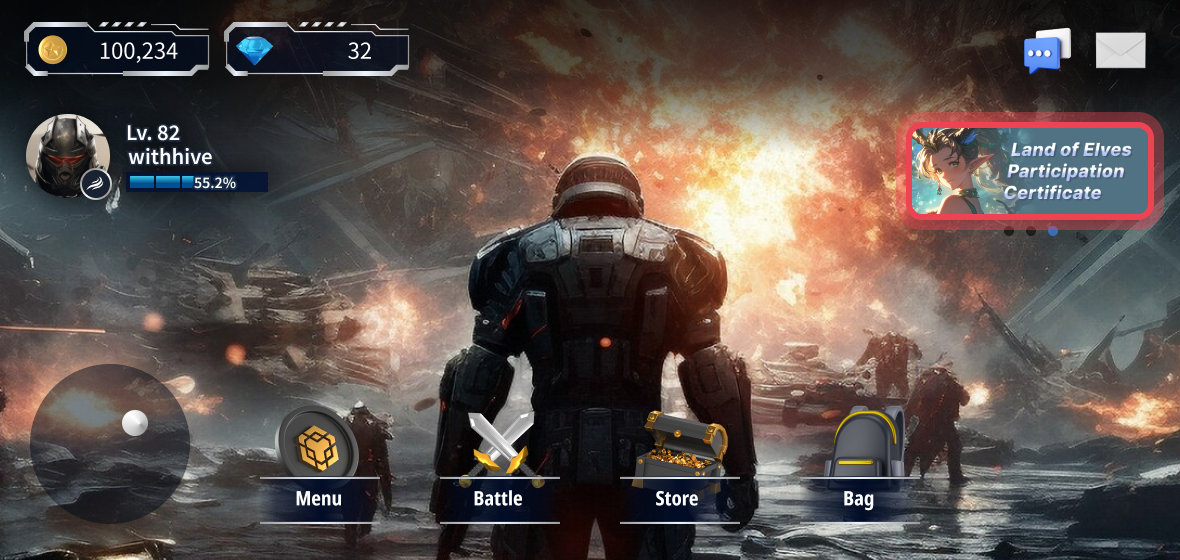
Rolling banners stay visible in fixed in-game UI positions, displaying multiple promotional banners in a scrolling format.
By placing them in frequently visited areas such as the game lobby, you can increase accessibility and let more users discover ongoing events.
💡How to use
- Place rolling banners in the game lobby to continuously display event, shop discount, or feature update notices.
- Display promotions based on your event schedule. (Example: Monday – Attendance Rewards → Wednesday – Upgrade Rate UP → Weekend – Exclusive Quests)
|
|
|
📌 Show All Updates in One Place with News Feed |
|
|
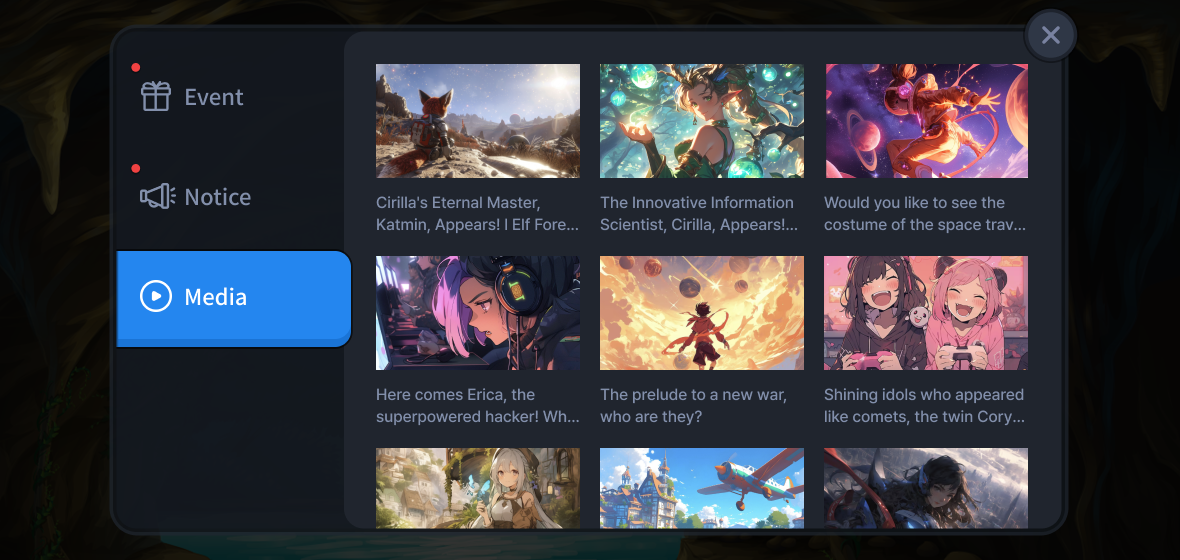
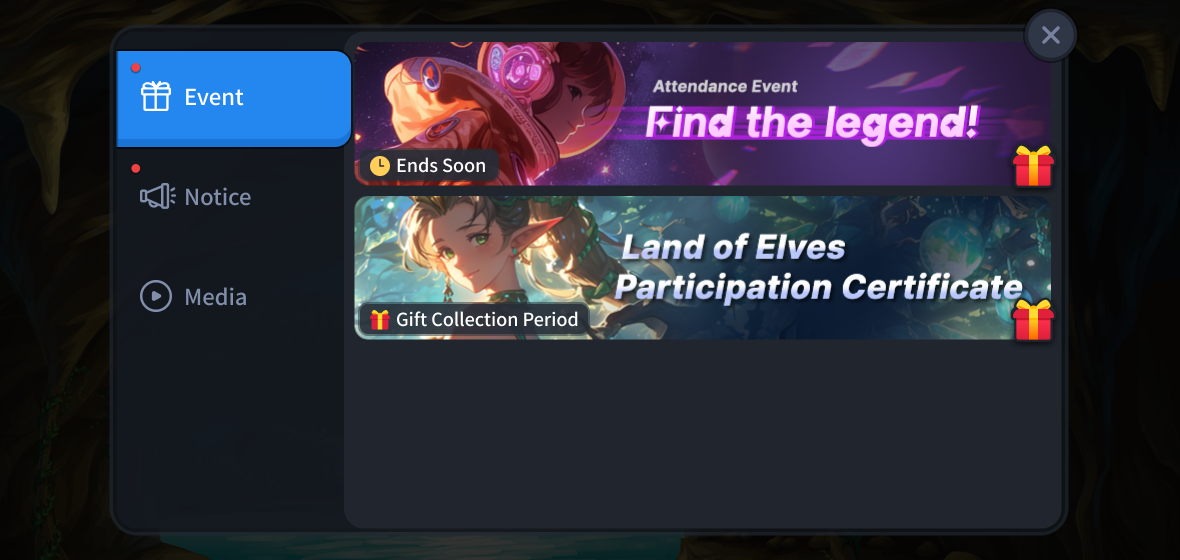
The News Feed feature gathers event banners and announcements in a single screen. Users won’t miss important updates, and operators can deliver promotions and information at once.
Managing all distributed content in one place saves operational resources and maximizes exposure by centralizing information. Use it to integrate notices, guides, and policies—boosting both operational efficiency and user engagement.
💡How to use
- Link patch notes or update notices for constant access.
- Use for policy notices such as beginner guides or security campaigns.
- Post fan events or user-created content promotions.
|
|
|
🎯Why Hive Promotion Banners Are Great |
|
|
☑️ Supports Multiple Banner Types
Implement various banner formats such as full-screen, standard, and rolling banners. |
|
|
☑️ Flexible Linking Options
Easily connect to YouTube videos, market pages, notice pages, or external browsers. |
|
|
☑️ Optimized for Global Service
Register multilingual images and set time zones for region-based language and timing. |
|
|
☑️ Personalized Banner Display
Target specific user segments using Analytics to maximize promotional impact. |
|
|
☑️ Stable Operations with Pre-Testing
Register test devices or IPs for previewing banners before launch to ensure stability. |
|
|
Com2us Platform
cs-platform@com2us.com
131, Gasan digital 1-ro, Geumcheon-gu, Seoul, Korea
© Com2uS Platform Corp. All Rights Reserved.
This email is for informational purposes to guide service usage.
If you no longer wish to receive emails, please click here to unsubscribe.
|
|
|
|