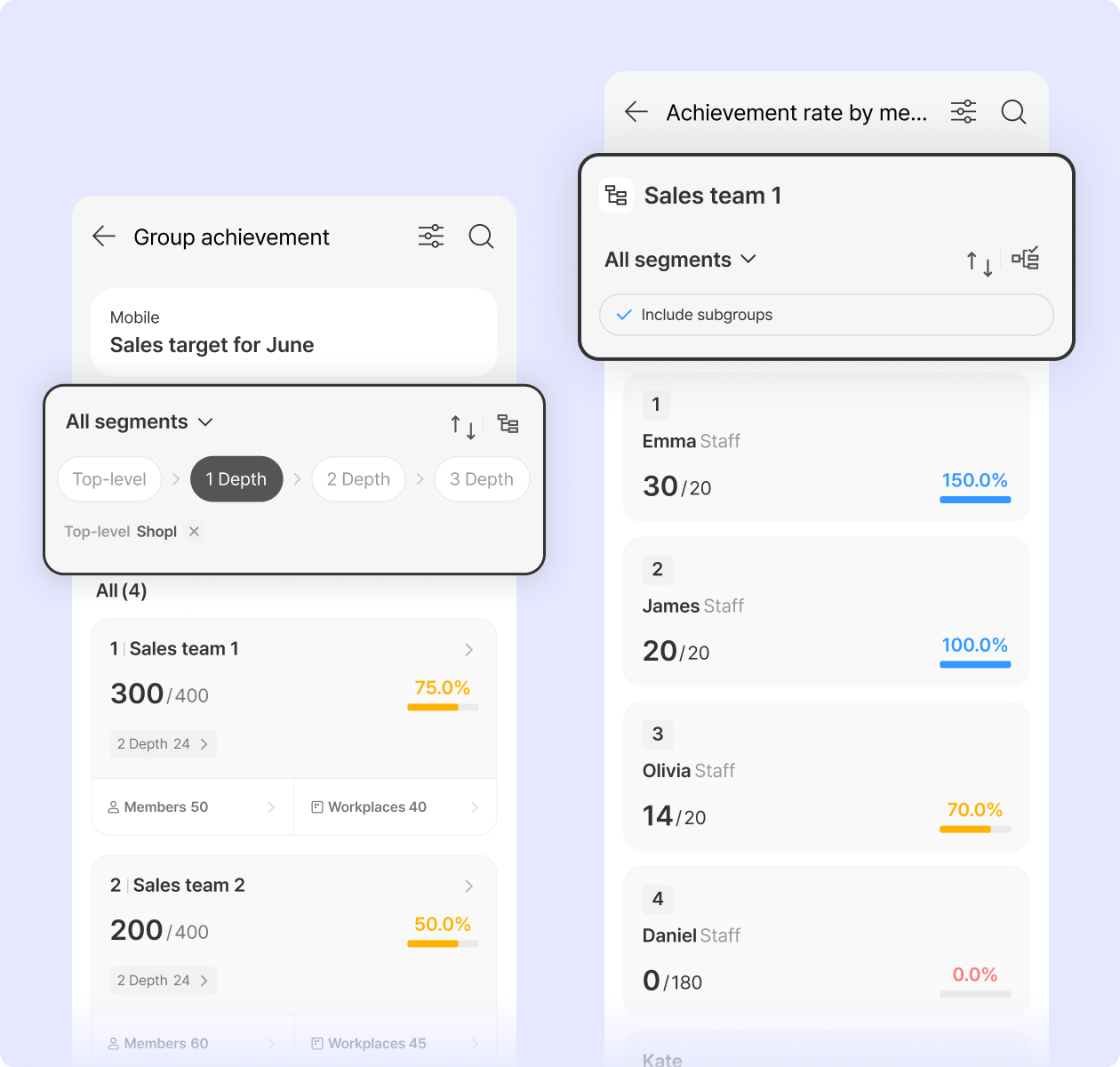
View sales target achievement rates by group hierarchy.
Choose whether to include subgroups when viewing group achievement rates. This setting also applies to member and workplace achievement rates. Easily view performance data across all managed groups, including subgroups.
* Requires app update
Released: Third Week of May 2026
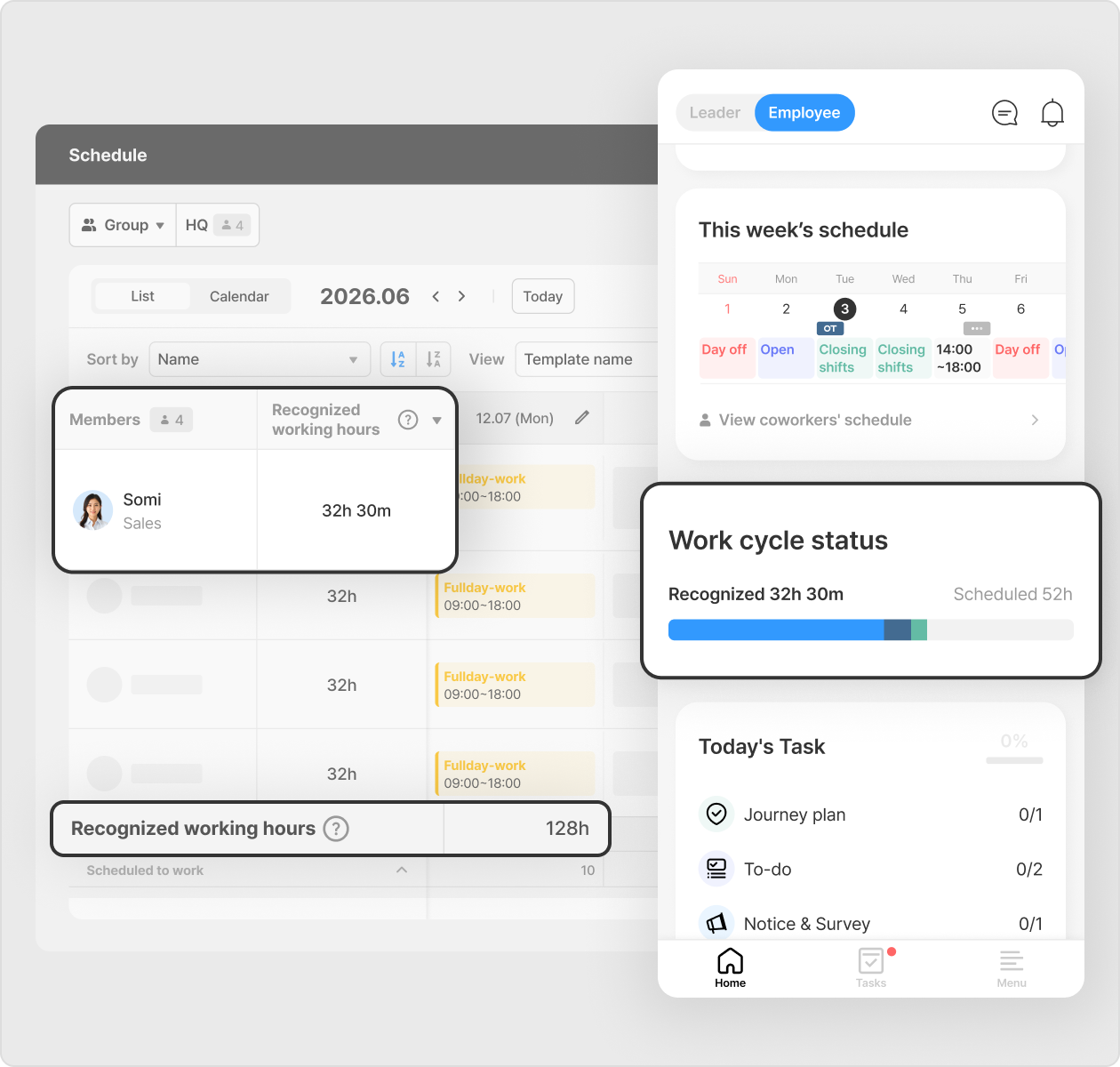
Improved working hours statistics tracking.
View scheduled and recognized working hours at a glance from the Employee Mode home screen in the app. Paid leave hours are also reflected. You can also check working hours statistics by member or date from the dashboard (PC) schedule page.
* Configure how recognized working hours are calculated (Dashboard (PC) > Feature settings > Schedule > View and request schedules > Recognized working hours calculation method) * Requires app update
📌 Other Improvements:
[Work policy] Configure overtime to be assigned only for hours exceeding weekly contracted hours, while allowing regular work beyond daily contracted hours. * Dashboard (PC) > Company settings > Work policy > Work system> Work policy settings * Overtime features are available on the Standard plan and above.
[Leave] You can set carryover expiration dates up to 60 months after the leave usage period ends when using automatic monthly leave grants. * Dashboard (PC) > Leave > Settings > Annual leave > Auto leave grant settings
[Attendance cutoff] Configure which admins or leaders can modify attendance closing status after the closing date.