We bring you useful information and news from Hive! Hello, this is Hive Platform. 😊
Acquiring new users is an important challenge for every game service.
Users can be acquired through advertising and various marketing activities, but recommendations from existing users remain one of the consistently used methods because they are based on trust in the service.
In this Hive Insight, we introduce how to run friend invitation events using the Hive Invite Code feature and how to manage campaign performance. |
|
|
🤝 A connection between players |
|
|
📌 Run friend invitation events |
|
|
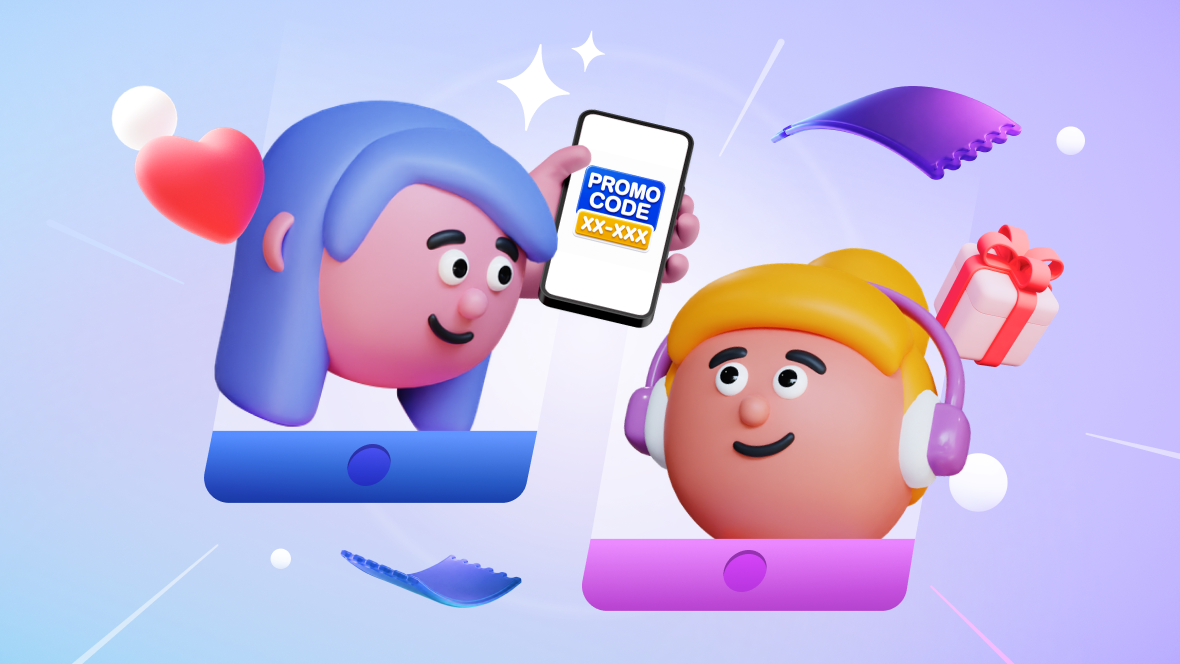
Hive Invite Code is a promotion feature that allows existing users to invite friends and receive rewards together.
Users can share invite codes with their friends, and new users can enter the code to participate in the event. Since both the inviter and invitee can receive rewards, operators can encourage new user acquisition and existing user participation at the same time. |
|
|
🎁 Set rewards based on various participation conditions |
|
|
Rewards can be given at the desired timing, such as invite code matching, new installation, or specific goal completion. Configure events based on your service objectives to encourage new users to participate and continue into actual gameplay. |
|
|
- Invite code matching: Give rewards immediately when an invite code is matched to acquire new users.
- New installation: Provide rewards after a new installation is completed to expand new user acquisition or encourage participation in update events.
- Specific goal completion: Provide rewards after users complete in-game goals, such as first login, reaching a specific level, or completing a challenge, to encourage gameplay.
|
|
|
🏆 Set tiered rewards based on the number of invited users |
|
|
By dividing reward tiers based on the number of invited users, you can encourage users to continue inviting friends instead of stopping after a single invitation.
Set tiered rewards based on the number of invitees who meet the conditions. Configure target numbers across multiple tiers to help invitation activity continue more naturally.
For example, you can provide different rewards for inviting 1, 5, or 10 friends, creating a structure where users receive greater rewards as the number of invitees increases. |
|
|
📌 Check invitation history |
|
|
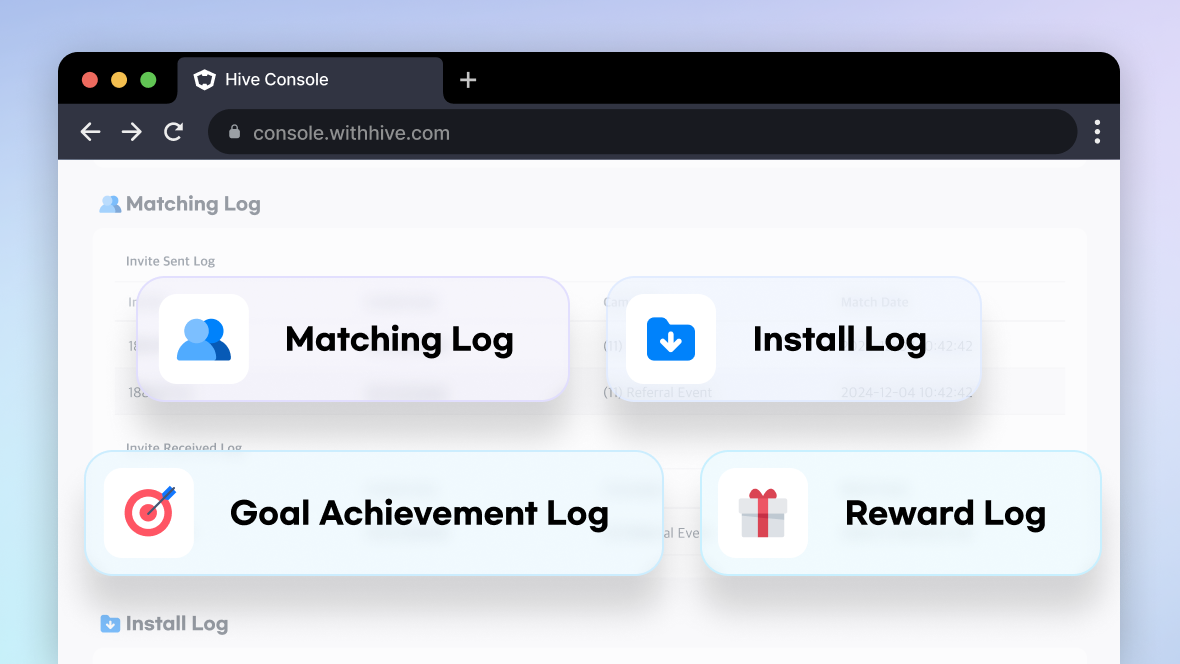
When running a campaign, there may be cases where you need to check a specific user's invitation history or reward progress.
With invite logs, you can check matching information between inviters and invitees, whether action rewards and cumulative rewards have been achieved, and the reward payment status.
Since the full process from invite code entry to reward payment can be checked at the individual user level, operators can more easily identify causes when handling user inquiries or operational issues. |
|
|
📌 Analyze campaign performance |
|
|
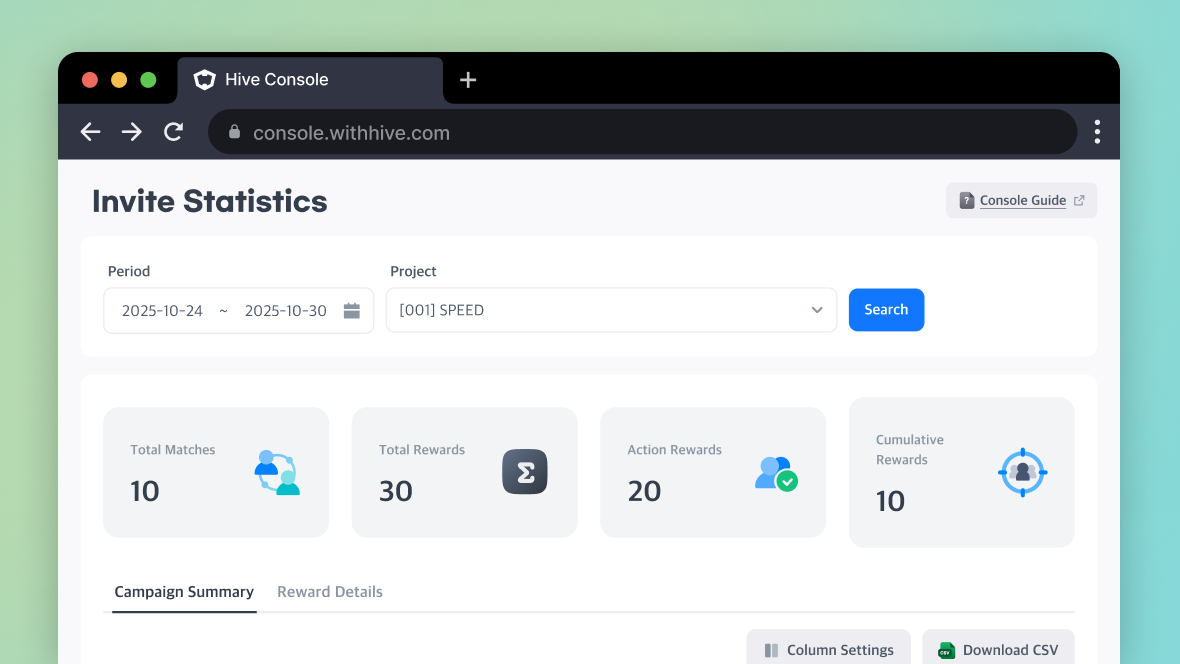
Invite statistics provide campaign operation results as data.
You can check key metrics such as the total number of matches, total rewards, and the payment status of action rewards and cumulative rewards. These metrics can be used to compare campaign performance and analyze the effectiveness of reward policies.
You can also download the data as a CSV file and use it to create operation reports or plan future campaigns. |
|
|
🎯 What makes Hive Invite Code useful? |
|
|
☑️ Acquire New Users, Engage Existing User
Run a single event that supports both new user acquisition and existing user participation. |
|
|
☑️ Run events based on your service objectives
Configure events based on your service objectives, such as invite code entry, new installation, goal completion, and cumulative rewards. |
|
|
☑️ Check user-level history
Check invitation relationships and reward progress to respond to user inquiries or operational issues. |
|
|
☑️ Analyze campaign performance
Analyze campaign performance using key metrics and reward status, and use the data for future event operations. |
|
|
Com2us Platform
cs-platform@com2us.com
131, Gasan digital 1-ro, Geumcheon-gu, Seoul, Korea
© Com2uS Platform Corp. All Rights Reserved.
This email is for informational purposes to guide service usage.
If you no longer wish to receive emails, please click here to unsubscribe.
|
|
|
|